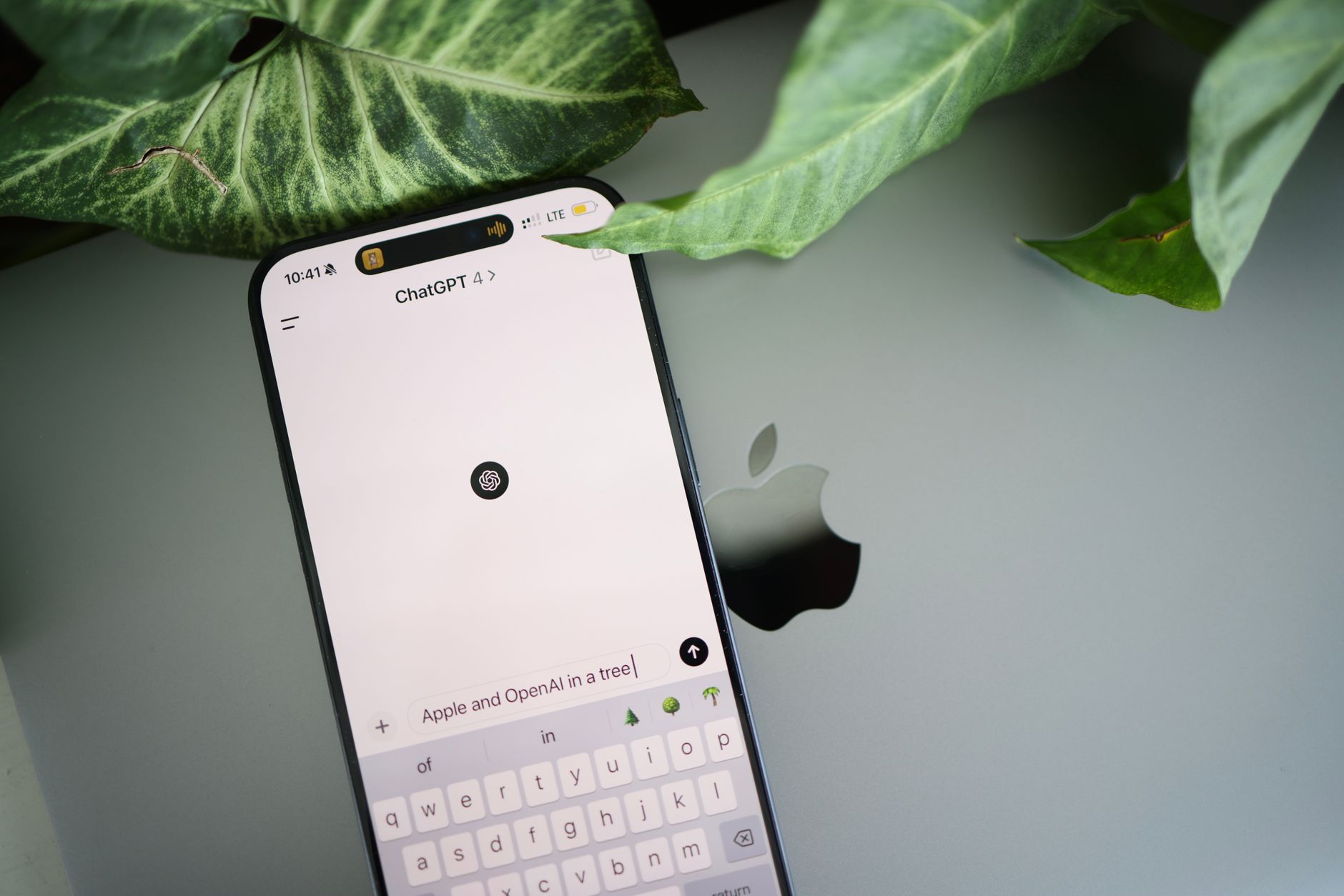
ChatGPT Chrome tabs can now read your open tabs and assist you in completing various tasks effortlessly. This new feature aims to enhance productivity and streamline your online experience.
Understanding ChatGPT’s New Features
ChatGPT has recently introduced an innovative feature that allows it to interact with your Chrome tabs, significantly enhancing productivity and task completion. This new capability enables the AI to read content directly from your open tabs, making it easier to gather information and perform tasks based on the context of your current work.
With this feature, users can expect a smarter approach to managing multiple tasks. Some of the key benefits include:
- Task Automation: ChatGPT can help automate repetitive tasks by accessing relevant information from your tabs.
- Contextual Understanding: By reading the content in your tabs, ChatGPT can provide more accurate and contextually relevant responses.
- Time Efficiency: Users can save time by minimizing the need to switch between tabs, as ChatGPT can summarize or extract information on demand.
This evolution in the ChatGPT service represents a significant leap towards integrating AI more seamlessly into daily workflows, allowing individuals to focus on their core responsibilities rather than getting bogged down by multitasking. With ChatGPT Chrome tabs, achieving efficiency has never been easier.
How ChatGPT Reads Your Chrome Tabs
ChatGPT has introduced a remarkable feature that allows it to read your Chrome tabs, making task completion easier and more efficient. This capability transforms how users interact with their browser, enabling a seamless workflow.
When you have multiple tabs open, ChatGPT can analyze the content within them and provide insights or generate responses based on that information. This means that instead of switching between tabs and losing focus, users can rely on ChatGPT to summarize or extract relevant details.
For instance, if you are researching a topic across various websites, ChatGPT can gather the key points and present them in a concise format. Additionally, it can assist with drafting emails, creating reports, or even generating creative content by pulling information directly from your active tabs.
Some benefits of using ChatGPT with Chrome tabs include:
- Enhanced productivity: Reduces the time spent searching for information.
- Improved organization: Keeps your workflow streamlined.
- Contextual understanding: Provides responses that are relevant to the content you are currently viewing.
This integration of ChatGPT with Chrome tabs marks a significant advancement in smart task completion, making it a valuable tool for users everywhere.
Benefits of Using ChatGPT for Tasks
The integration of ChatGPT with Chrome tabs offers numerous benefits that enhance productivity and streamline task completion. By harnessing the power of artificial intelligence, users can experience a more efficient workflow. Here are some notable advantages:
- Time Savings: ChatGPT quickly analyzes the content of open tabs, allowing users to get relevant information without having to switch back and forth between multiple pages.
- Task Automation: With the ability to understand context, ChatGPT can automate repetitive tasks, saving users from manual effort and reducing the likelihood of errors.
- Intelligent Suggestions: The AI can provide personalized recommendations based on the contents of your tabs, making it easier to find the best resources or next steps for your projects.
- Enhanced Focus: By summarizing information and offering direct responses, ChatGPT helps users maintain focus on their primary tasks, minimizing distractions from information overload.
- Accessibility: ChatGPT’s integration ensures that assistance is just a click away, making it a valuable tool for both casual users and professionals alike.
Overall, utilizing ChatGPT Chrome tabs revolutionizes how we approach task completion, making everyday activities smarter and more manageable.
User Reactions to the Update
Users have expressed a mix of excitement and skepticism regarding the latest update that allows ChatGPT to read Chrome tabs and assist with task completion. Many users have taken to social media to share their experiences, highlighting how the integration of ChatGPT Chrome tabs has streamlined their workflows.
One user noted, “Having ChatGPT read my tabs is a game changer. It saves me time and helps me focus on what really matters!” This sentiment was echoed by several others who reported that the tool significantly reduced the time spent switching between tabs and searching for information.
However, some users have raised concerns about privacy and data security. “I love the convenience, but I worry about what information ChatGPT can access,” commented another user. Concerns about data handling and user control over their information were prevalent in discussions.
Despite these apprehensions, the general consensus leans towards appreciating the innovative capabilities of ChatGPT. Users are eager to explore the potential of ChatGPT Chrome tabs in enhancing productivity, with many anticipating further improvements to the feature in future updates.
With ChatGPT Chrome tabs, users can streamline their workflow by accessing AI-assisted tools directly in their browser. This feature enhances productivity, making task completion easier and smarter than ever before with ChatGPT Chrome tabs.
Photo by Solen Feyissa on Pexels
Sources
Narnia Netflix Trouble: The Worst Signs for Fans Ahead · Minnesota Senate debate: What are the best takeaways? · Tech Mahindra earnings: What are the best insights from Q3?